Diet Charts Members Keep on Their Phone
Write a diet chart once, give it to the right members and stop resending photos of paper charts. Each person sees their chart on their home screen, next to their workout and weight progress.
What is GymCity Diet Charts?
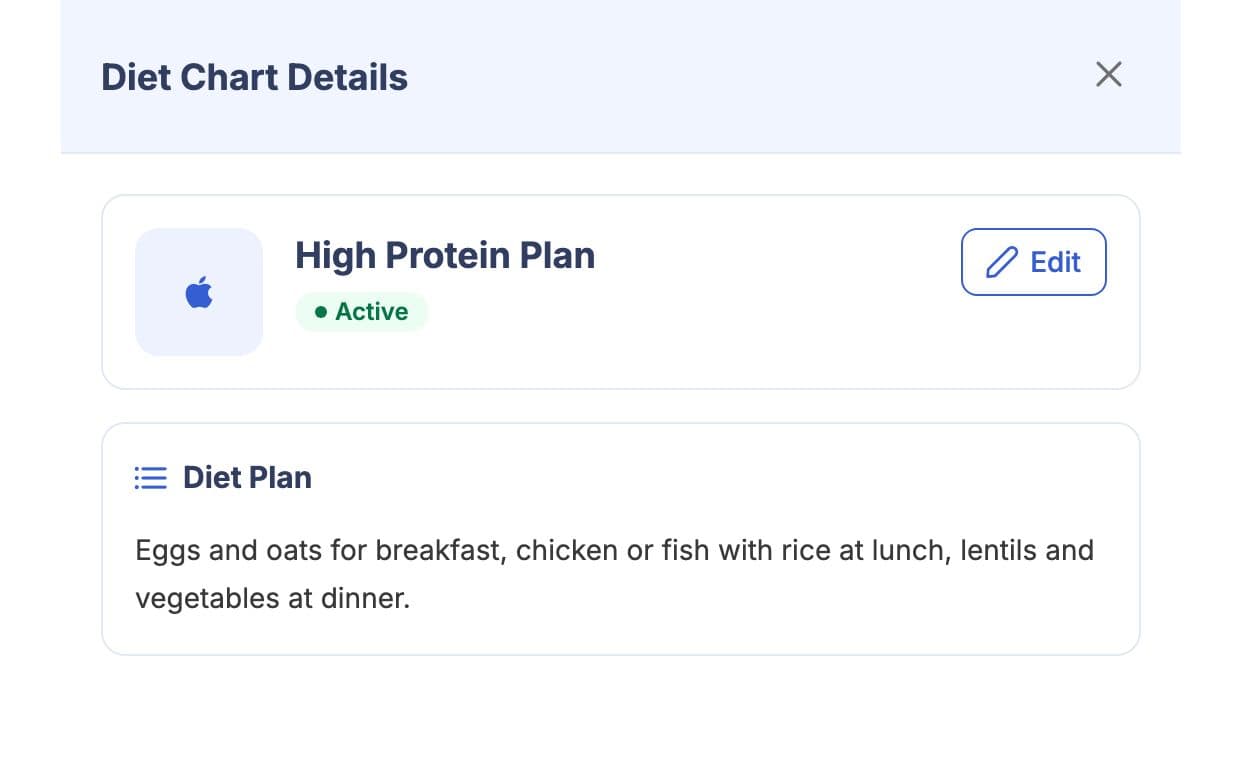
Diet Charts is the GymCity tool gyms and personal trainers use to write their own diet charts and give them to members or clients. You write the meals and advice in your own words; GymCity stores the chart and shows it on the member's home screen and My Diet Charts page. No AI is involved.
Why Gyms and Trainers Use Diet Charts
Charts on Paper
A printed chart stays on the fridge or gets lost, and a photo sinks in a chat. Members end up asking for it again.
Members open the chart on their phone.Wrong Chart
Sending charts by hand makes it easy to give the fat-loss chart to someone trying to gain weight.
Each chart is assigned to a named profile.Same Work Again
Most members fit one of a few charts, yet many gyms rewrite them for every new joiner.
Keep your charts and reuse them.Diet Charts in 3 Steps
Write the Chart
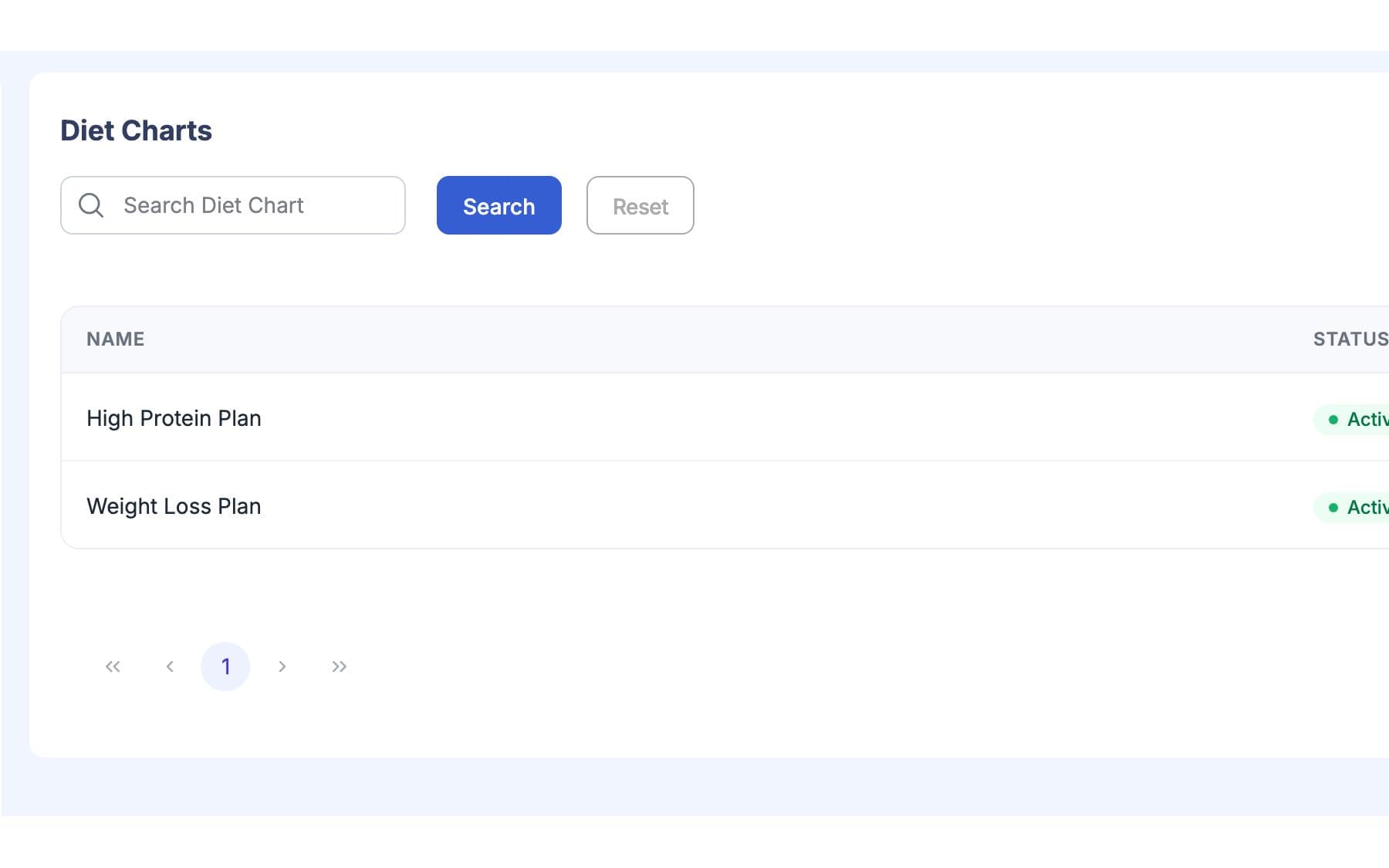
Give the chart a clear name, such as Fat Loss, Beginner or Weight Gain. Write the meals, timings and notes in plain words and local food your members actually eat. The chart is saved to your library for next time.
Give It to a Member
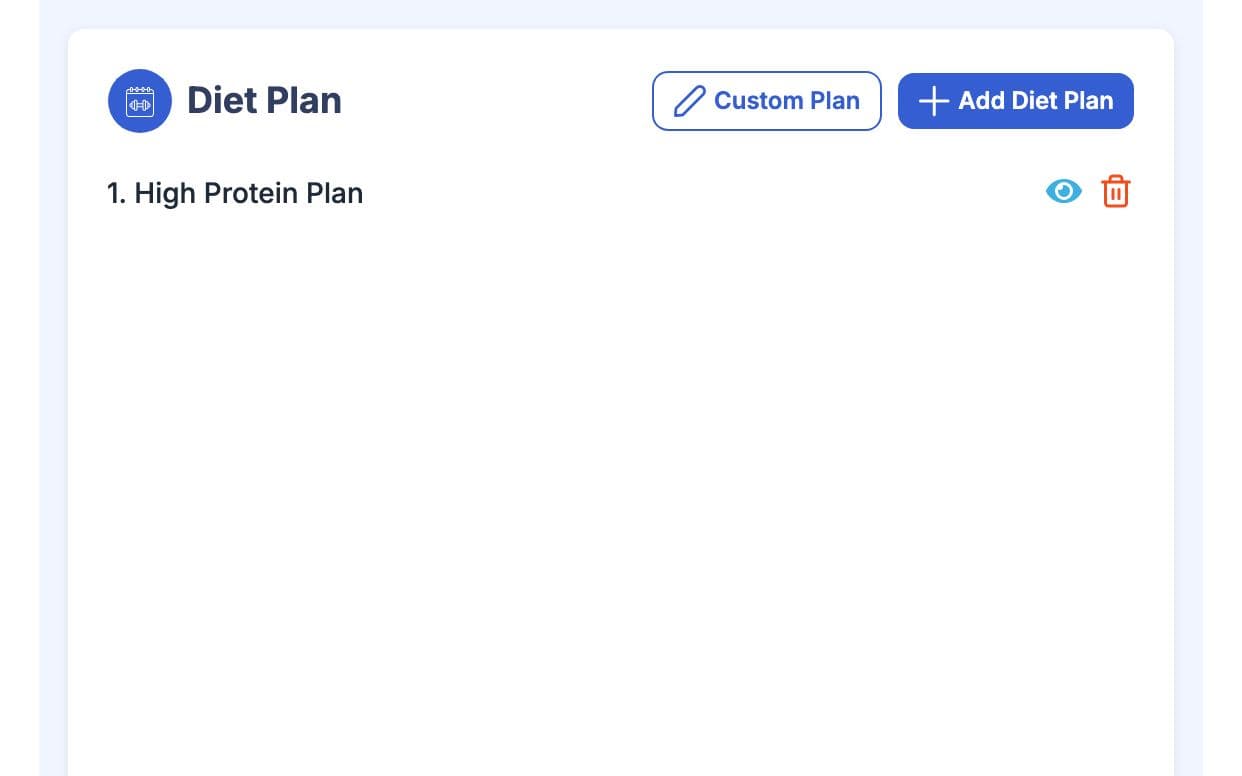
Open the member's profile and assign the chart on the Training tab (Program for personal trainers). Gym owners and staff with access to member profiles can give charts to members of their branches. Trainers give charts to their own clients.
Member Follows It
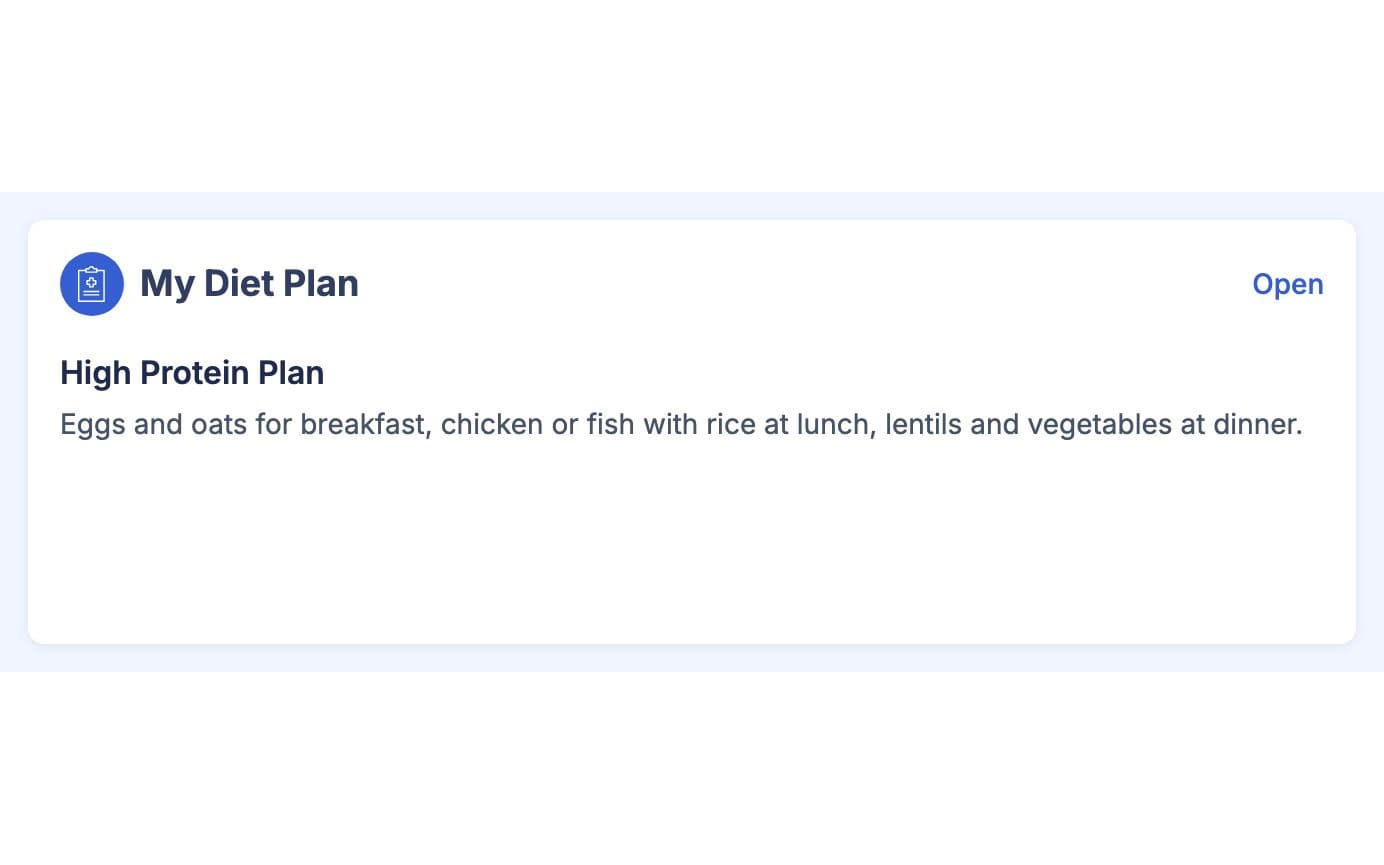
The chart shows in the My Diet Plan card on the member's home screen, beside their weight progress. All their charts are listed on My Diet Charts. When you change or replace a chart, they see the new version next time they open the app.
Made for How You Work
The chart is on their home screen, not on paper at home.
One well-written chart can go to every member with the same goal.
Staff give charts only to members of their own branches.
What You Get With Diet Charts
You write a diet chart yourself, in your own words, and GymCity simply delivers it. AI Diet Plans uses OpenAI or Google Gemini to draft a full plan with calories, macros and meals from a client's answers, which the trainer then edits. Gyms and trainers can both use Diet Charts; AI Diet Plans is for personal trainers.
On their home screen in the My Diet Plan card, next to today's workout and weight progress, and on the My Diet Charts page. They see only the charts from the profile they are using, so a gym chart appears in the gym profile and a trainer's chart in the trainer profile.
No. Each chart belongs to the gym or trainer who wrote it. A gym can give charts only to its own members, and a personal trainer only to their own clients. A member who has both sees each chart in the matching profile, never side by side.
No. GymCity does not review or calculate anything in a diet chart; it shows your words exactly as written. Keep charts general and sensible, and for members with a medical condition, pregnancy or a doctor's diet, follow their doctor's advice rather than a standard chart.
Works Even Better Together
Last updated 15 October 2026Written by Sarwar HossainScreens show demo data only
Try Diet Charts With Your Gym or Clients
List your gym or training business free today and turn on the tools you need when you are ready.