Notices & News
GymCity Notices & News lets gyms and personal trainers post updates. Use notices to tell your members about holiday hours or a new class, and news posts to show visitors on your public page what is new.
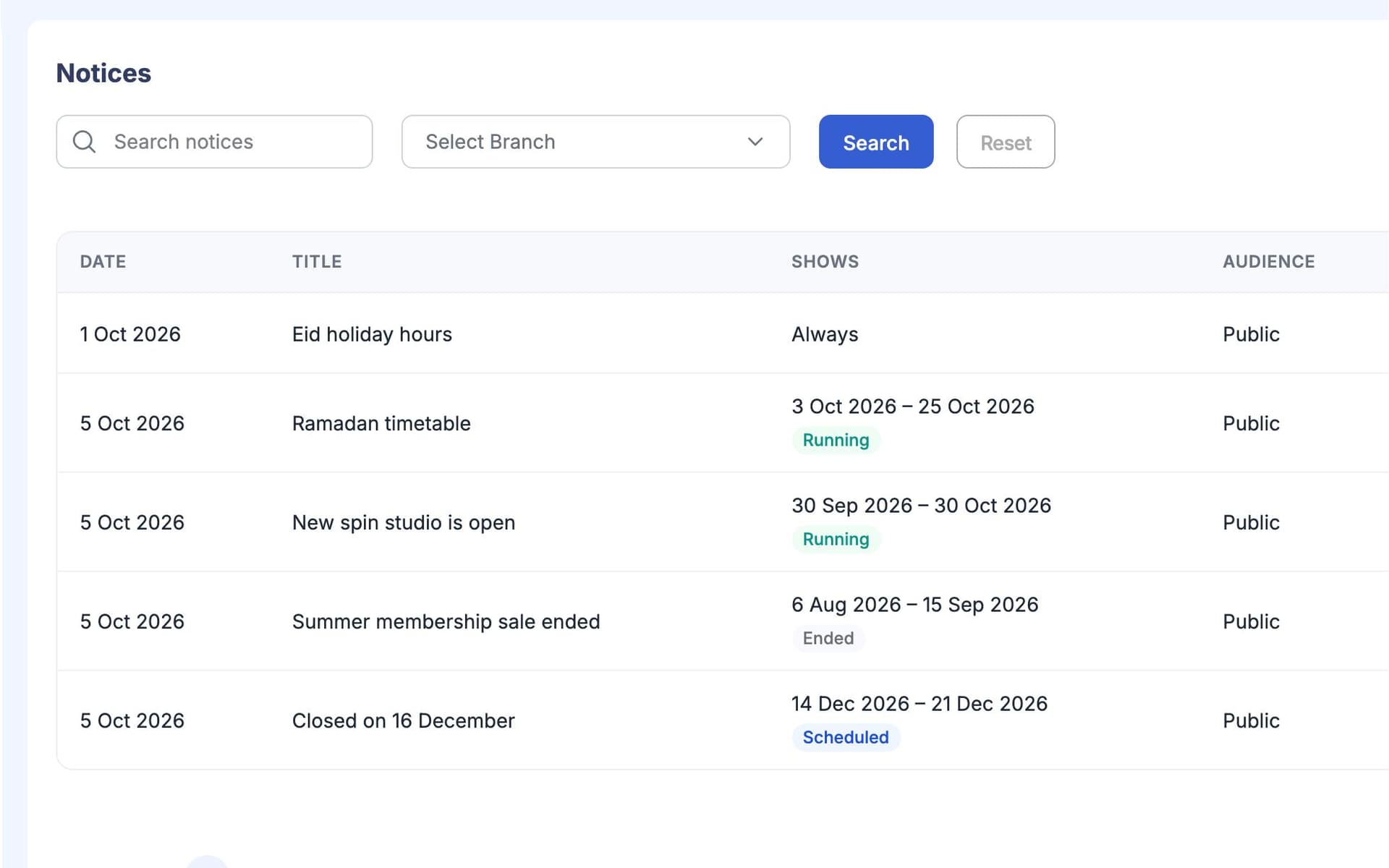
What is GymCity Notices & News?
GymCity Notices & News is how gyms and personal trainers share updates. A notice goes to your own members and shows on their home screen and their My Gym or My Trainer page for the dates you choose. A news post is public: it appears on your GymCity profile, with one featured post shown first.
Why Gyms and Trainers Use Notices & News
Paper on the Board
We tape holiday hours to the reception wall, and half the members never walk past it.
Notices show on every member's home screen.Group Chat Noise
Important updates get lost in the WhatsApp group between jokes and gym selfies.
Notices stay in their own list, away from chat.Quiet Public Page
Our page looks the same as last year, so visitors can't tell we added new classes.
News posts show visitors what is new.Notices & News in 3 Steps
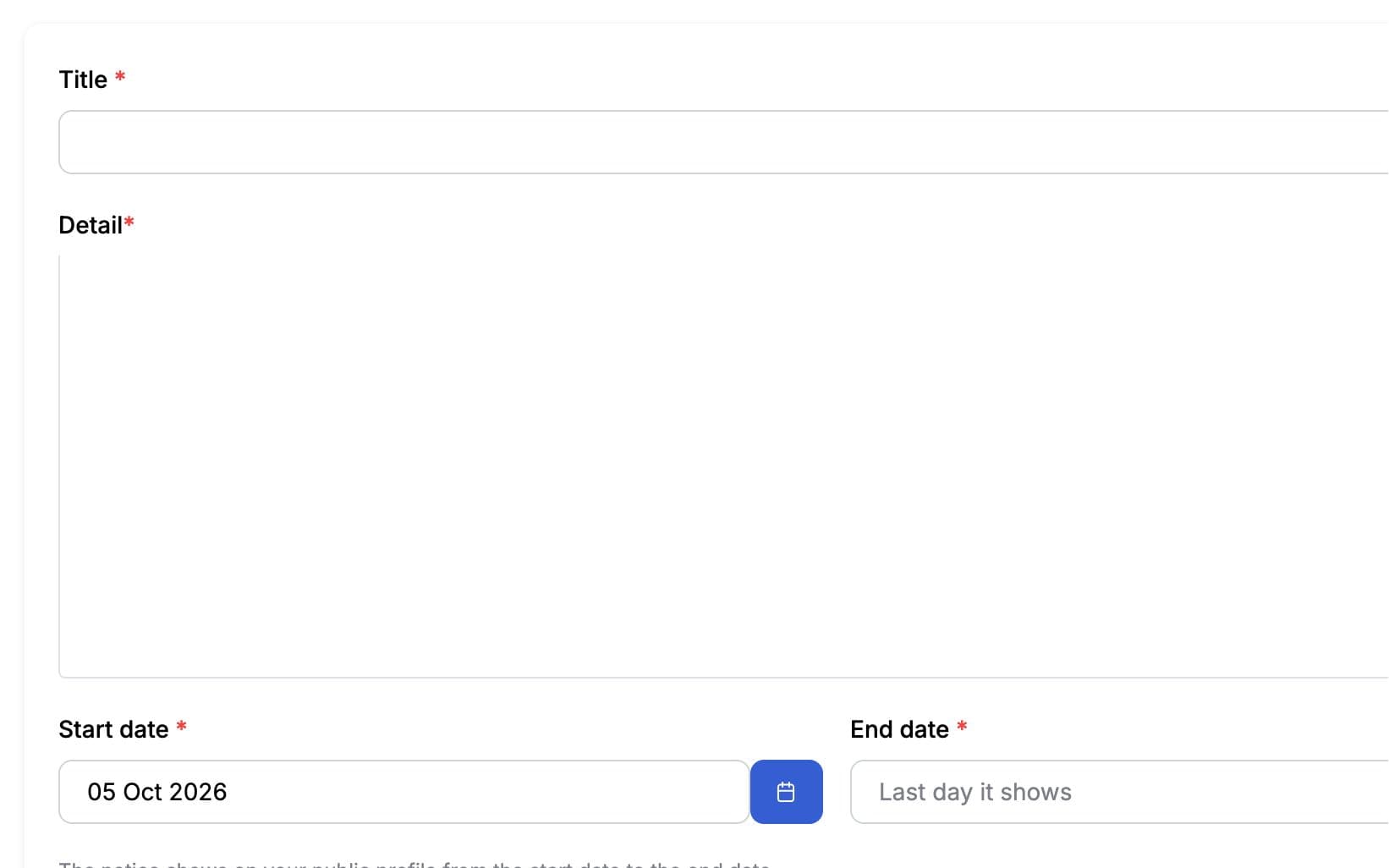
Write a Notice
Add a title and a short message, such as Eid holiday hours or a change to ladies hours. Set the start and end dates, and add a picture or a video link if it helps. You can also choose to show the notice on your public page.
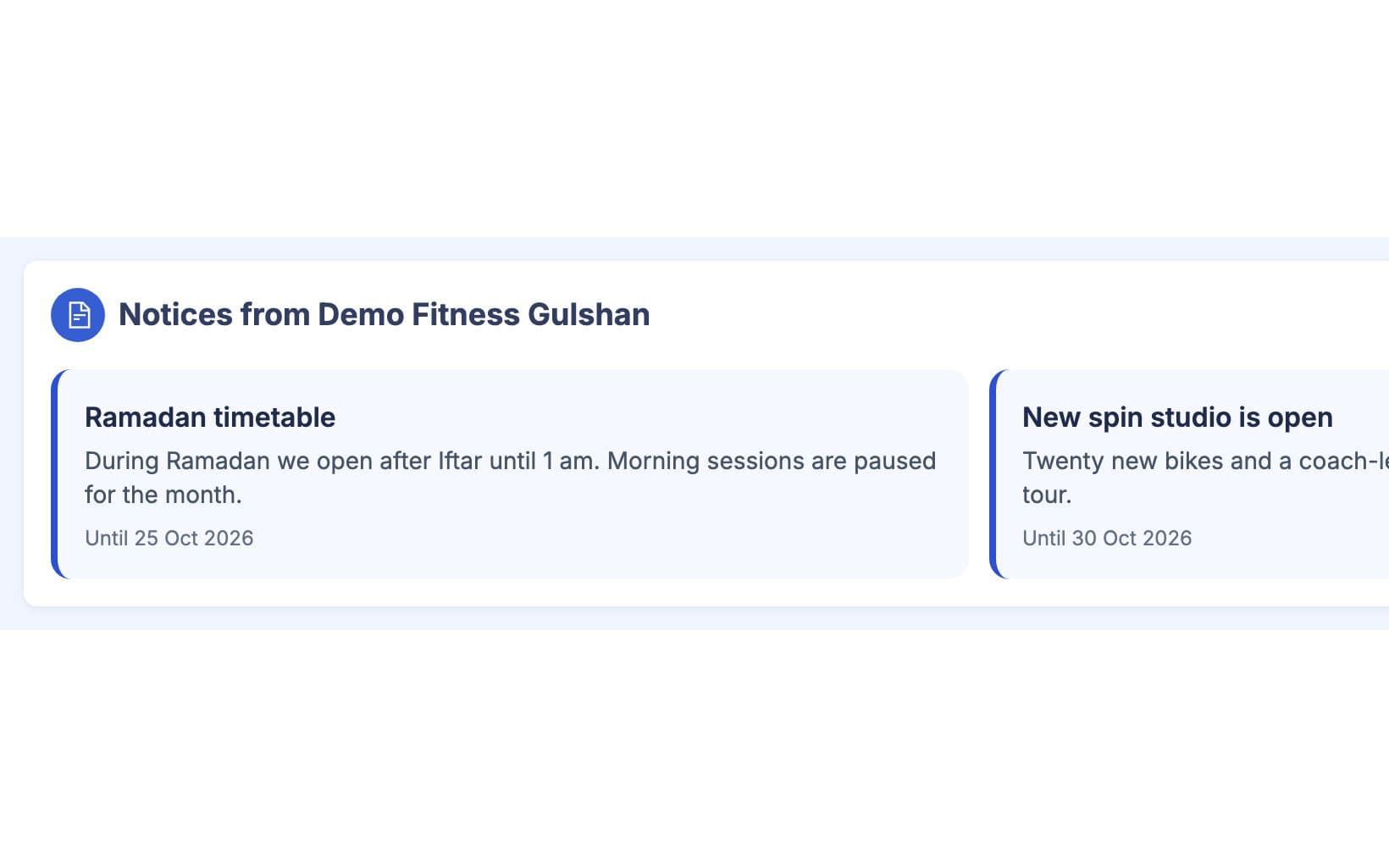
Members See It
While the notice is running, it appears on each member's home screen and on My Gym or My Trainer. After the end date it drops off by itself, so members never read last month's news. Notices stay inside GymCity and are not sent by SMS.
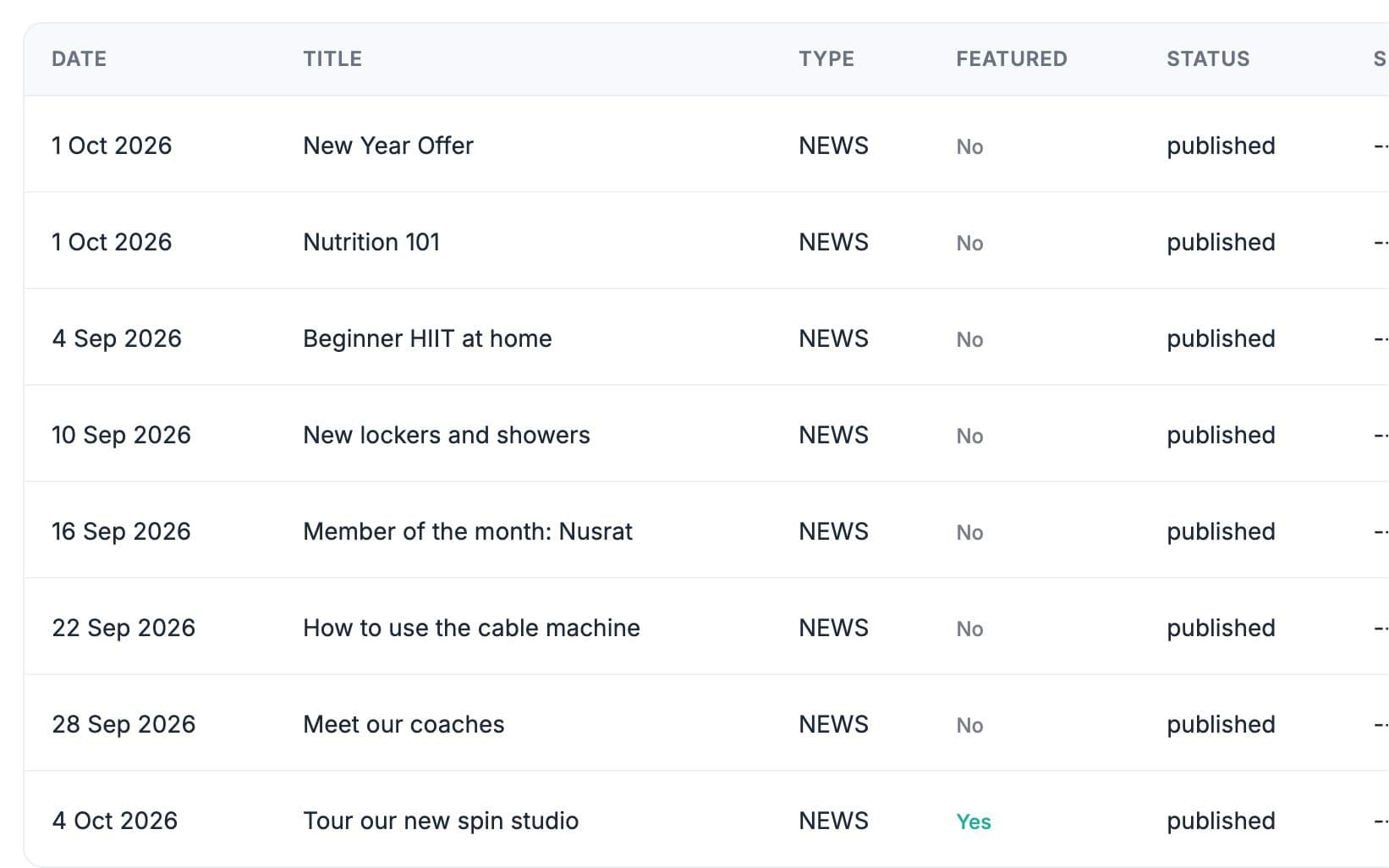
Post News Publicly
Write a news post about a new class, new equipment or an event, with a picture, video or link. Save it as a draft, schedule it for later or publish it now. Mark one post as featured and it shows first on your profile, with the rest on your All News page.
Made for How You Work
The notice is on each member's home screen the next time they open GymCity.
A notice starts and ends on the dates you set, with nobody remembering to take it down.
News posts show visitors that your gym is active and what has changed.
What You Get With Notices & News
On their home screen when they log in, and on their My Gym or My Trainer page. A member sees only notices from the gym or trainer profile they are using at that moment, so a person who trains at a gym and with a personal trainer never gets the two mixed up.
Notices are private: only your own members and clients see them, inside GymCity, for the dates you set. News posts are public: anyone visiting your GymCity profile can read them, and search engines can find them. Use notices for things like holiday hours and news posts for things like a new class.
No. Notices show inside GymCity only. Bill reminders, receipts and similar messages are a separate feature, Member Notifications, which can send by email, WhatsApp or SMS to Bangladesh numbers depending on your settings and plan. For a quick conversation with one member, use Messages.
Yes. Save the post as scheduled with a date and time, and it appears on your public page from then on. You can also keep a post as a draft until it is ready, or publish it straight away. Notices work the same way through their start and end dates.
Works Even Better Together
Last updated 15 October 2026Written by Sarwar HossainScreens show demo data only
Try Notices & News With Your Gym or Clients
List your gym or training business free today and turn on the tools you need when you are ready.