Progress Tracking Members Can See
Members often quit when they cannot see a change in the mirror. Dated measurements show the change the mirror misses, for you and for them.
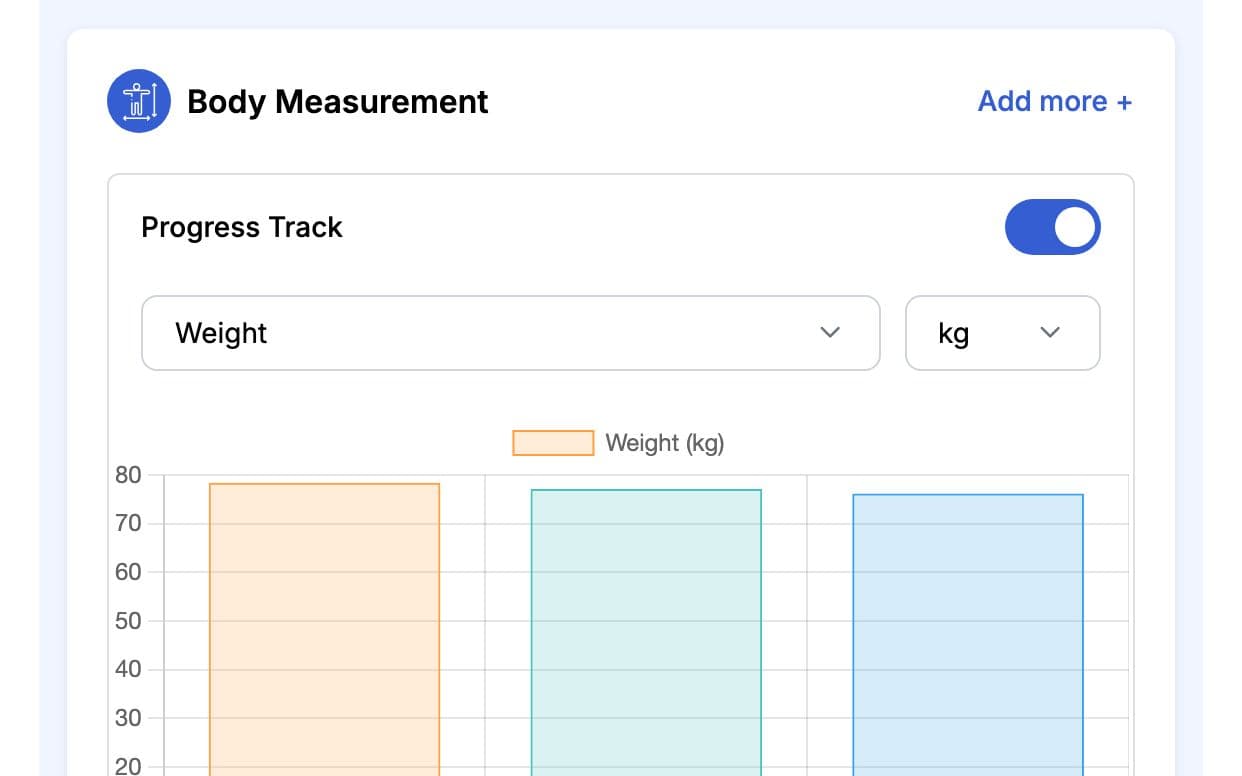
What is GymCity Progress Tracking?
Progress Tracking is the GymCity tool gyms and personal trainers use to record each member's or client's weight, body measurements, BMI, goals and health records. Every entry keeps its date, so you can compare any two check-ins on the Progress tab, and members see their own weight trend on their home screen.
Why Gyms and Trainers Use Progress Tracking
No Numbers
Without a record, "you look leaner" is the only feedback a member gets. That is easy to doubt after a slow month.
Measurements saved with the date.Health Surprises
A trainer who does not know about a member's asthma or knee injury can plan the wrong session.
Health records sit on the member's profile.Vague Goals
If nobody wrote the goal down, the trainer and the member may be working towards different things.
Goals shown on the profile overview.Progress Tracking in 3 Steps
Set Goals and Health
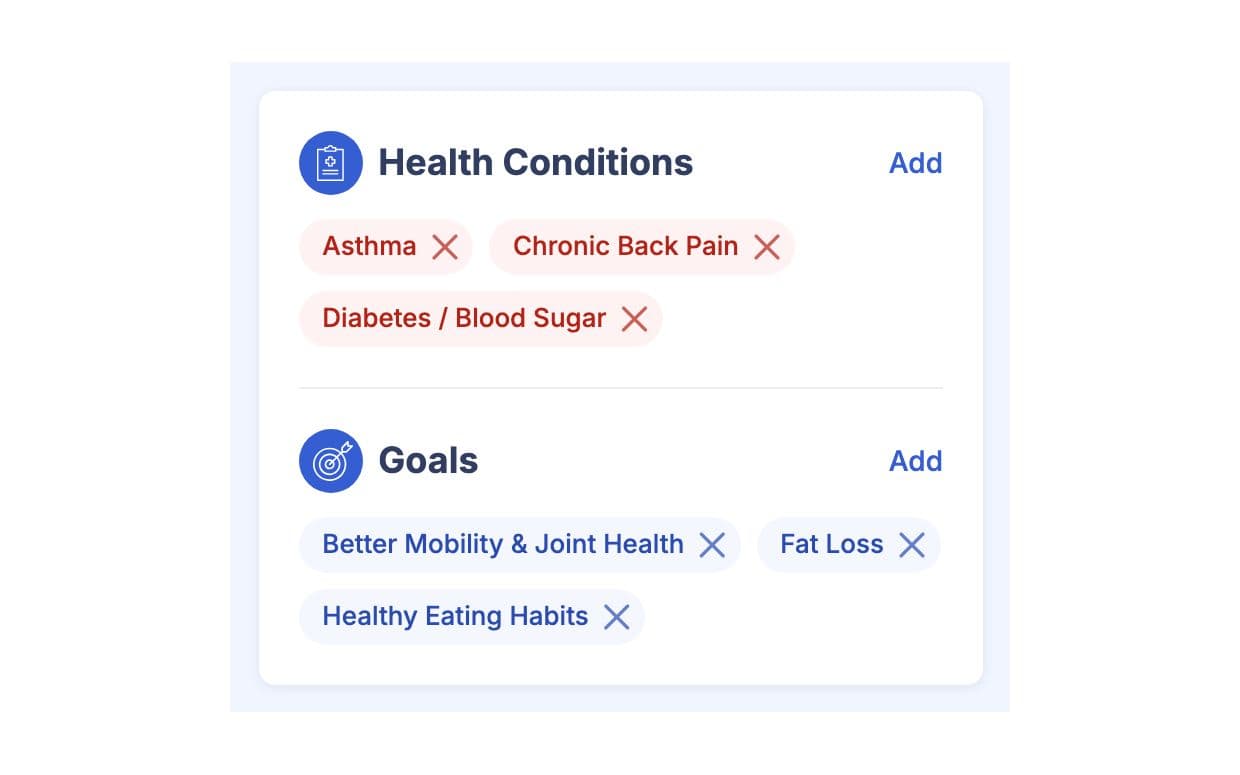
When a member joins, add their goals, such as Fat Loss, and any health conditions they tell you about. Both show on the profile overview under Health & Goals, so every trainer sees them before the first session.
Measure Regularly
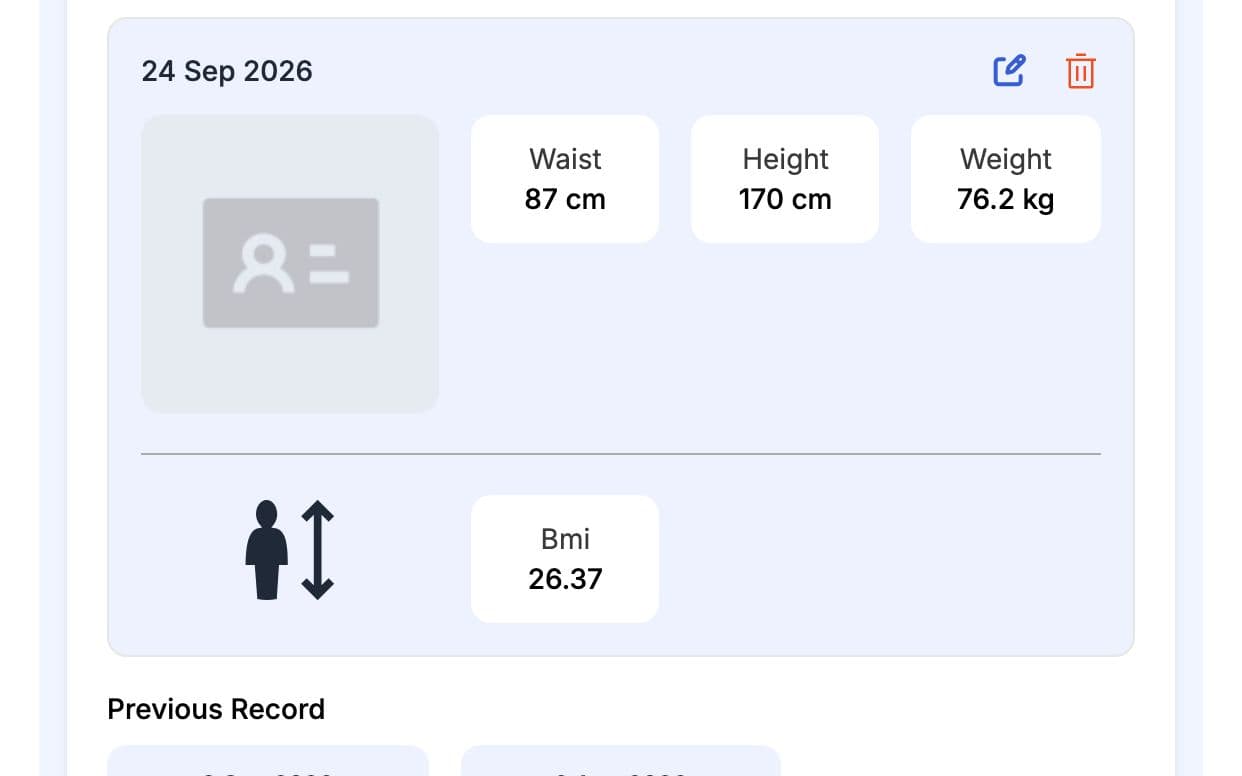
On the Progress tab, record height, weight and body measurements like chest, waist, hips, arms and thighs in kg or lbs and cm or inches. GymCity works out BMI from height and weight. Measure on a fixed schedule, such as the first week of each month, so the numbers compare fairly.
Show the Trend
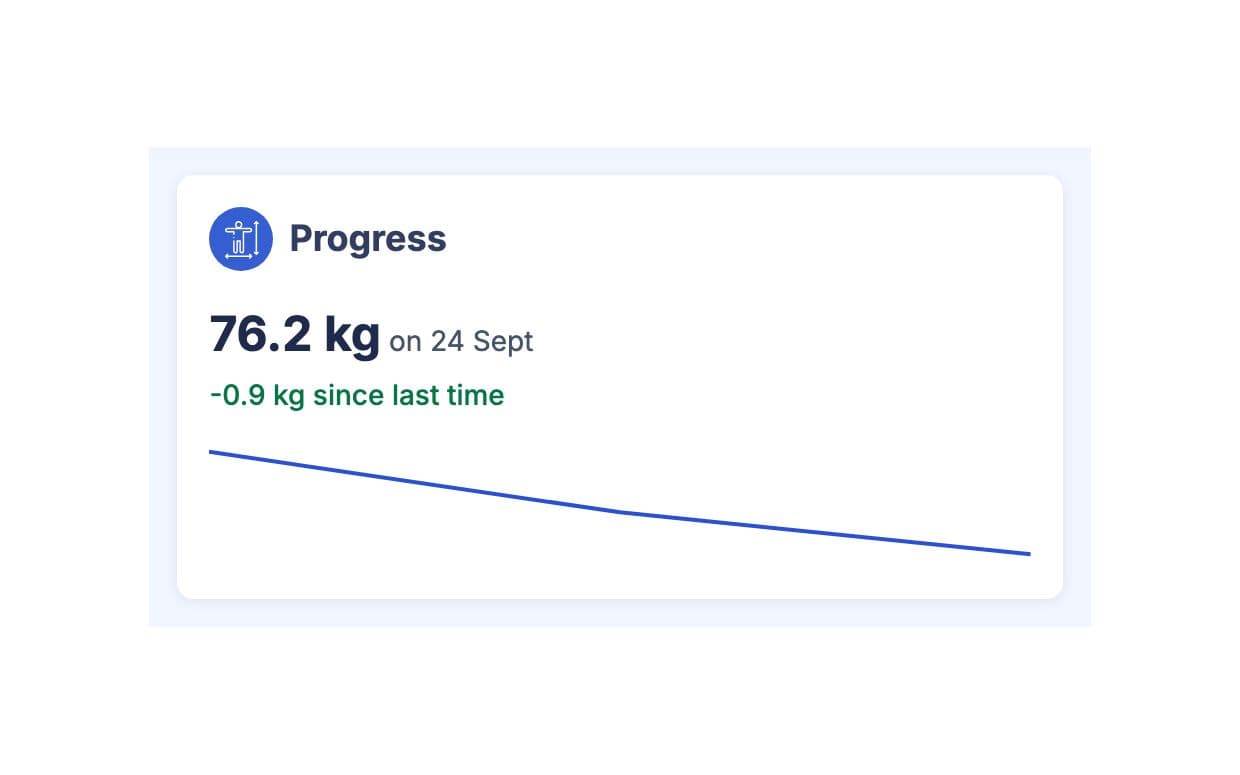
Each entry is saved with its date. Members see their weight trend in the Progress card on their home screen, and you can open earlier measurements to compare. Use the numbers at check-ins to adjust their workout plan or diet chart.
Made for How You Work
Every measurement keeps its date, even when the member changes trainer.
Trainers see health conditions on the profile before they plan a session.
Members who can see their progress have something concrete to come back for.
What You Get With Progress Tracking
Progress Tracking FAQ
Short answers to what gym owners and trainers ask most.
All Questions →Height, weight and body measurements such as chest, waist, hips, shoulders, biceps, forearms, thighs, calves and neck, in metric or imperial units. GymCity also keeps BMI, the member's goals and their health conditions. Each measurement is saved with its date, so you can compare any two check-ins.
Yes. Members see their weight trend in the Progress card on their home screen. People using GymCity on their own, without a gym or trainer, get a fuller tracker with their recent weight change, a BMI band, a measurement chart and their goals.
Only the member and the gym or personal trainer they train with. A gym's staff see records for members of their own branches, and a trainer sees only their own clients. Other gyms, other trainers and visitors to public profiles never see them.
No. Measurements are entered by hand: by gym staff or the trainer on the Progress tab, or by people tracking on their own. That keeps it simple for gyms using an ordinary scale and measuring tape. For fair comparisons, measure at the same time of day and in the same way each time.
Works Even Better Together
Last updated 15 October 2026Written by Sarwar HossainScreens show demo data only
Try Progress Tracking With Your Gym or Clients
List your gym or training business free today and turn on the tools you need when you are ready.