Staff Logins & Role Permissions
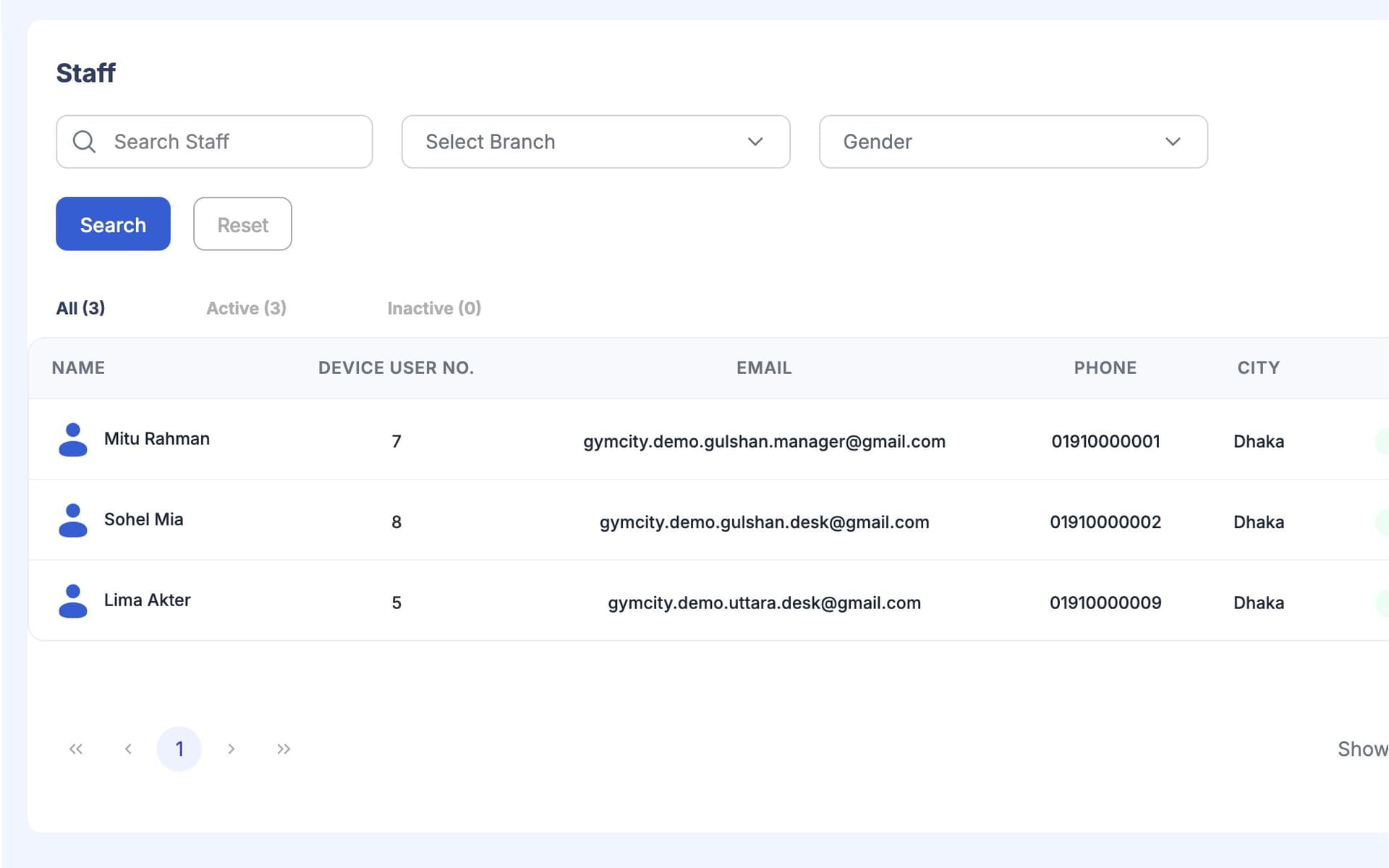
Staff & Roles gives every person on your team their own GymCity login. The gym owner decides what each role can see and do, so the front desk can check members in and take payments without the owner's password.
What is GymCity Staff & Roles?
GymCity Staff & Roles gives each staff member their own login. Gyms start with Admin, Manager and Staff roles and can add their own. The owner ticks what each role may view, create, update or delete in every part of the app, and sets the largest discount each role can give.
Why Gyms Use Staff & Roles
Shared Owner Login
Everyone at the desk uses my login. I can't change the password without telling five people, and I can't tell who did what.
Every staff member gets their own login.Too Much Access
The front desk only needs to check people in and take fees. With my login they can open every report and delete members.
Roles decide what each person can open.Who Did That?
A member says they got a big discount at the desk last month. Nobody remembers giving it, and there is no record.
Every billing change is logged in the invoice history.Staff & Roles in 3 Steps
Add Your Staff
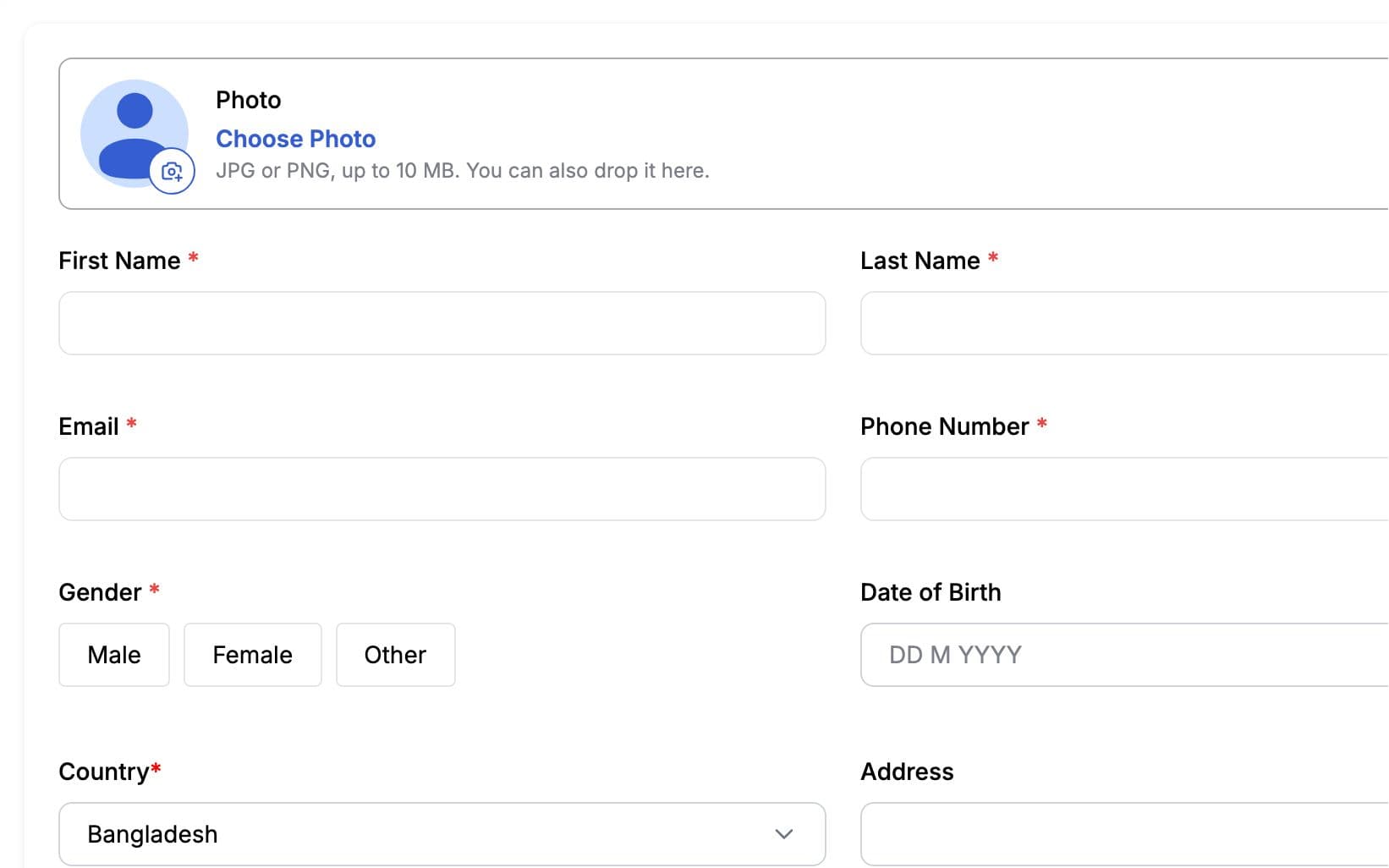
Add each staff member with their name, contact details, username, password, role and the branches they work at. They sign in on the staff login page with those details, not with the owner's. Their dashboard shows only the branches they are assigned to. When someone leaves, set their account to inactive.
Set Role Permissions
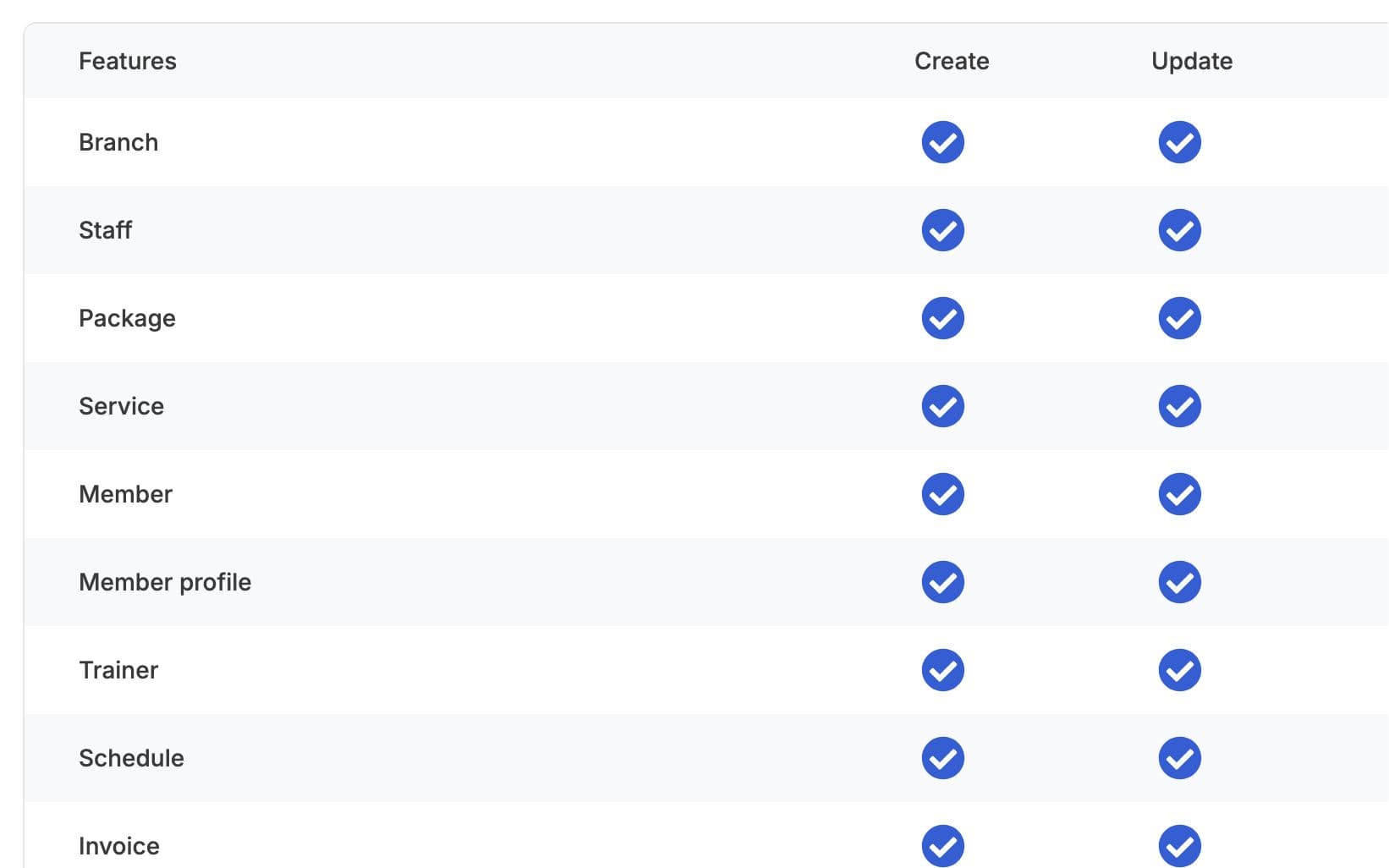
Every gym starts with Admin, Manager and Staff roles, and you can add your own, such as Front Desk or Accounts. For each role, tick what it may view, create, update or delete in each part of the app: members, billing, attendance, reports and so on. Changes apply to everyone in that role. A role without report access, for example, never sees the reports menu.
Set Discount Limits
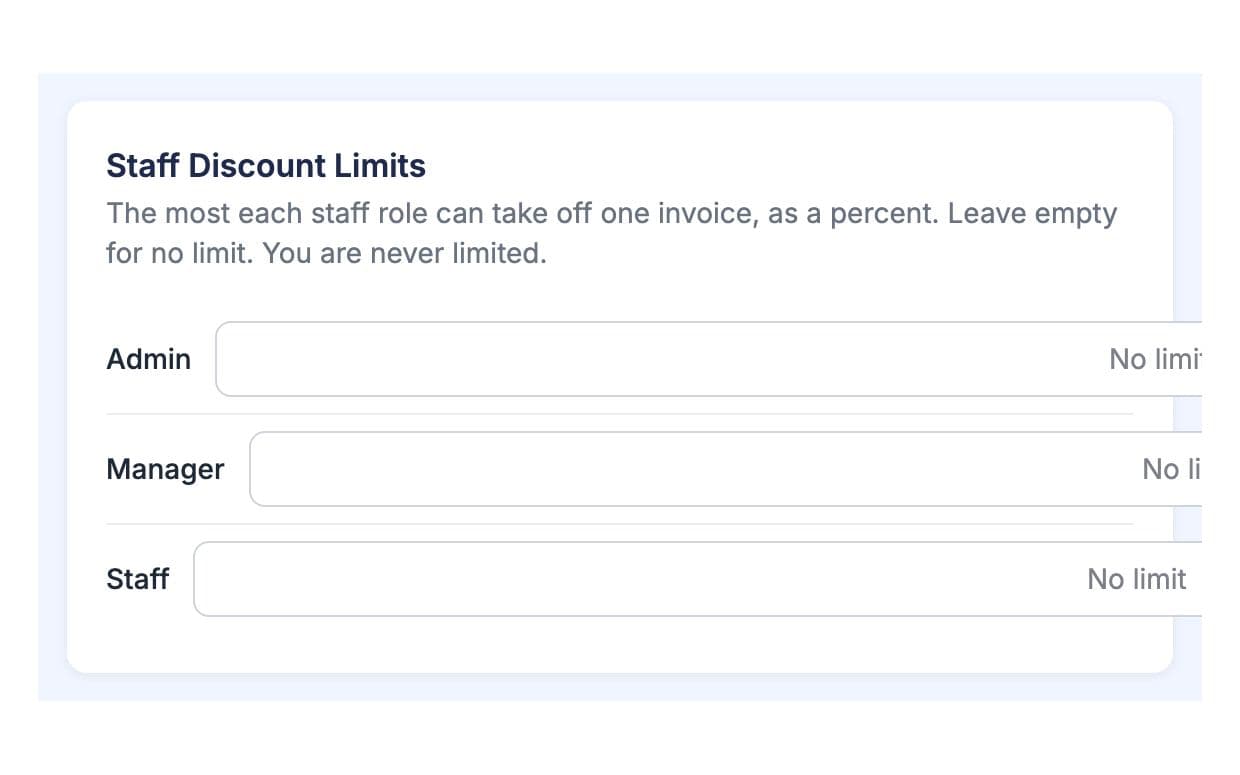
In Billing Settings, choose the largest discount each role can give on an invoice. A front desk role might give a small discount, while managers can give more. Each discount needs a reason, and it is recorded in the invoice history with any void or refund. You can review those changes from the invoice at any time.
Made for How You Work
Each person signs in as themselves, so the owner's password stays with the owner.
Staff see only the screens and branches their role allows, and nothing they could break by accident.
Discounts, voids and refunds are recorded on the invoice, so questions are answered from the record, not from memory.
What You Get With Staff & Roles
Staff sign in on the staff login page with the username and password you set when you added them. They do not use the owner's login. After signing in they see the staff dashboard, limited to their role and the branches they work at. If someone forgets their password, the owner can set a new one.
Yes. Give the front desk a role without view access to reports, or without permission to delete members or void payments. Staff in that role will not see those screens or buttons. You can change the role later, and the change applies to everyone who has it.
Yes. In Billing Settings each role has its own discount limit, so a front desk role cannot give more than you allow. Each discount also needs a reason. Discounts, voids and refunds are recorded in the invoice history, so you can see what was changed and when.
Yes. Assign them to each branch they work at. They can switch between those branches with the branch picker, but they cannot see any branch they are not assigned to. The owner always sees every branch. Running more than one branch depends on your plan.
No. Staff are the people who run the desk and the business, with logins and roles. Your gym's coaches are kept in a separate trainer list with their branches, expertise and rota. If a coach also does desk work, add them as staff too so they get a login with the right role.
Works Even Better Together
Last updated 15 October 2026Written by Sarwar HossainScreens show demo data only
Try Staff & Roles With Your Gym
List your gym free today and turn on the tools you need when you are ready.