Workout Plans Members Follow Every Day
Write a workout once and use it as a template for every member or client who needs it. They open today's workout on their phone, tick each exercise as they finish, and you see what was actually done.
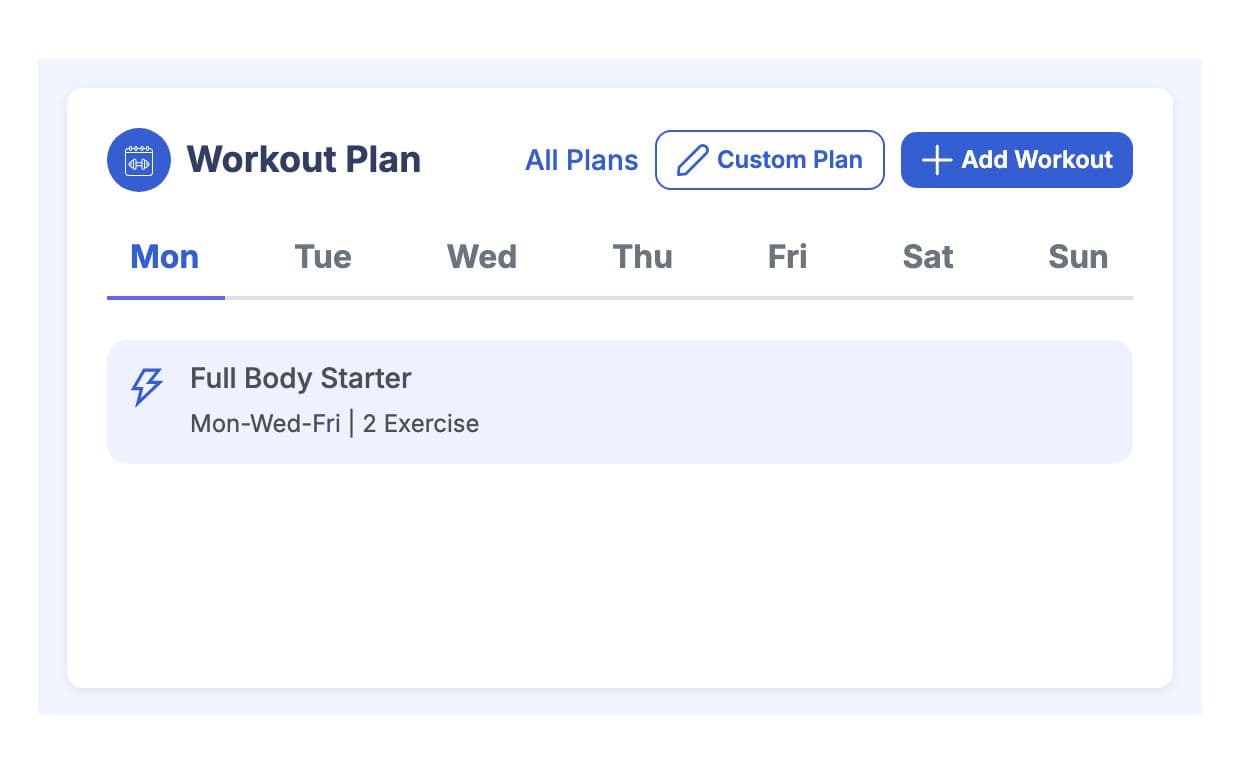
What is GymCity Workout Plans?
Workout Plans is the GymCity tool gyms and personal trainers use to build workouts from an exercise library and assign them to members or clients on chosen weekdays. Each member sees today's workout on their phone, ticks each exercise as they finish it, and finished days stay in their workout history.
Why Gyms and Trainers Use Workout Plans
Lost Plans
A workout written on paper or sent as a photo gets lost in a chat by the second week. The member then trains from memory.
Today's workout is on their phone every day.No Follow-Up
Without a record you only know what a member did if you were standing next to them. Missed sessions show up months later as missing results.
Members tick each exercise and the day is saved.Writing From Scratch
Most members need one of a handful of plans, yet trainers rewrite them by hand for each new person. That time adds up across a full client list.
Save a workout once and assign it to many people.Workout Plans in 3 Steps
Build Your Exercise Library
Start with exercises from the GymCity library or add your own. Each exercise has a body part, equipment, main and secondary muscles, and a short how-to. Choose whether it counts reps, rounds or time, and add photos or a YouTube link so members can check their form.
Make the Workout
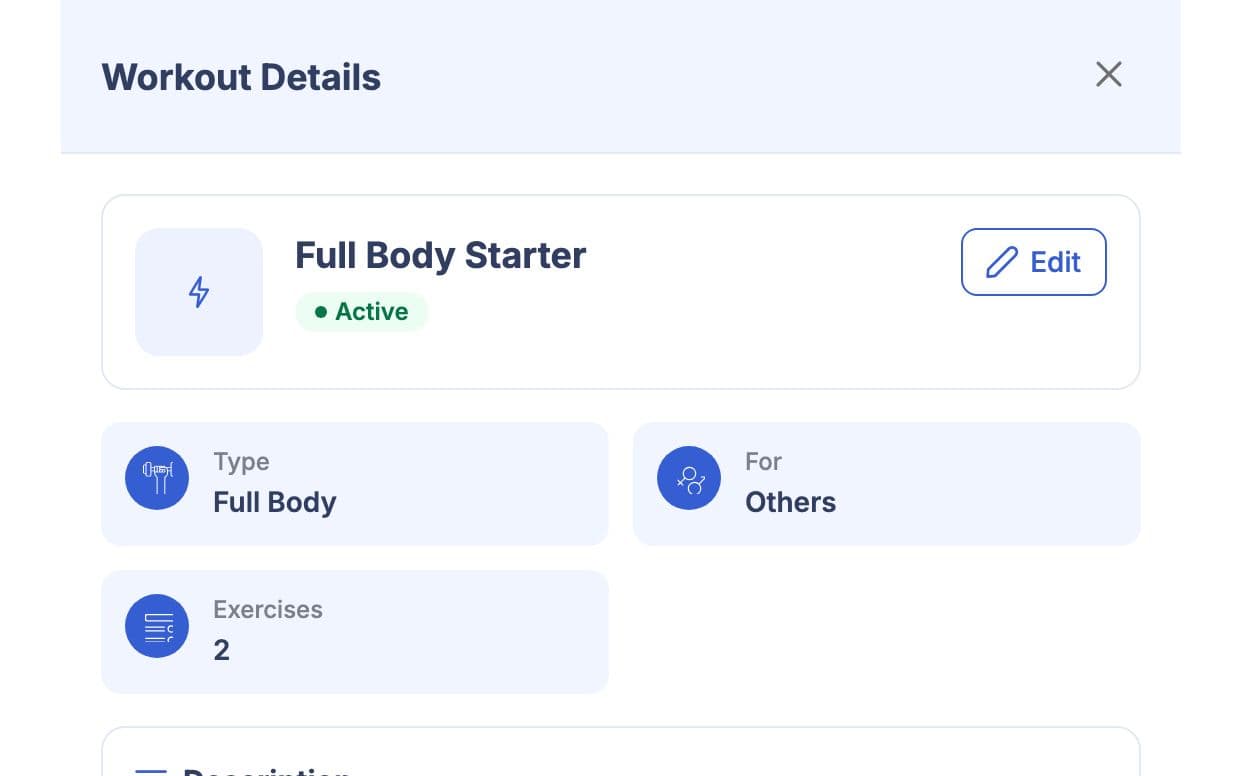
Create a workout with a name, a type such as Lose Fat, Full Body or Bodyweight, and a level from Beginner to Professional. Pick the exercises and set the rounds, reps or duration for each one. This saved workout works as your template: build it once and reuse it for anyone at that level.
Assign It and Follow Up
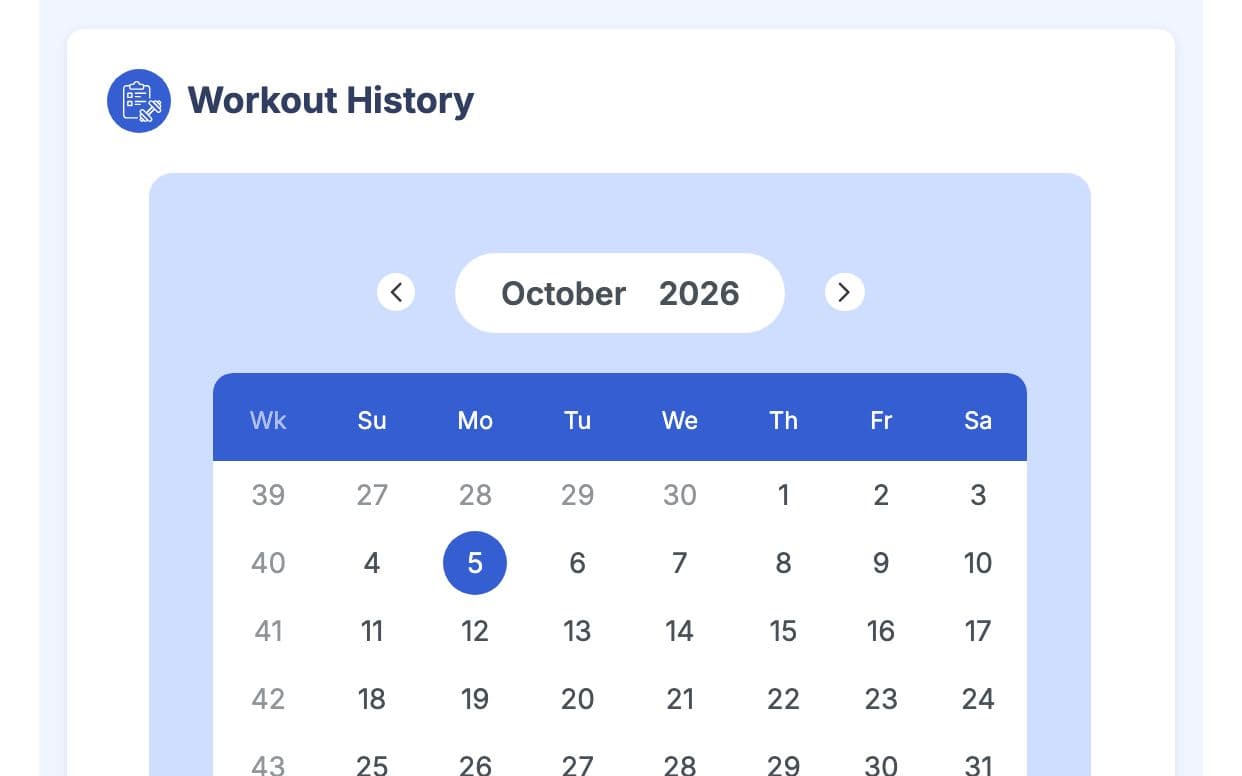
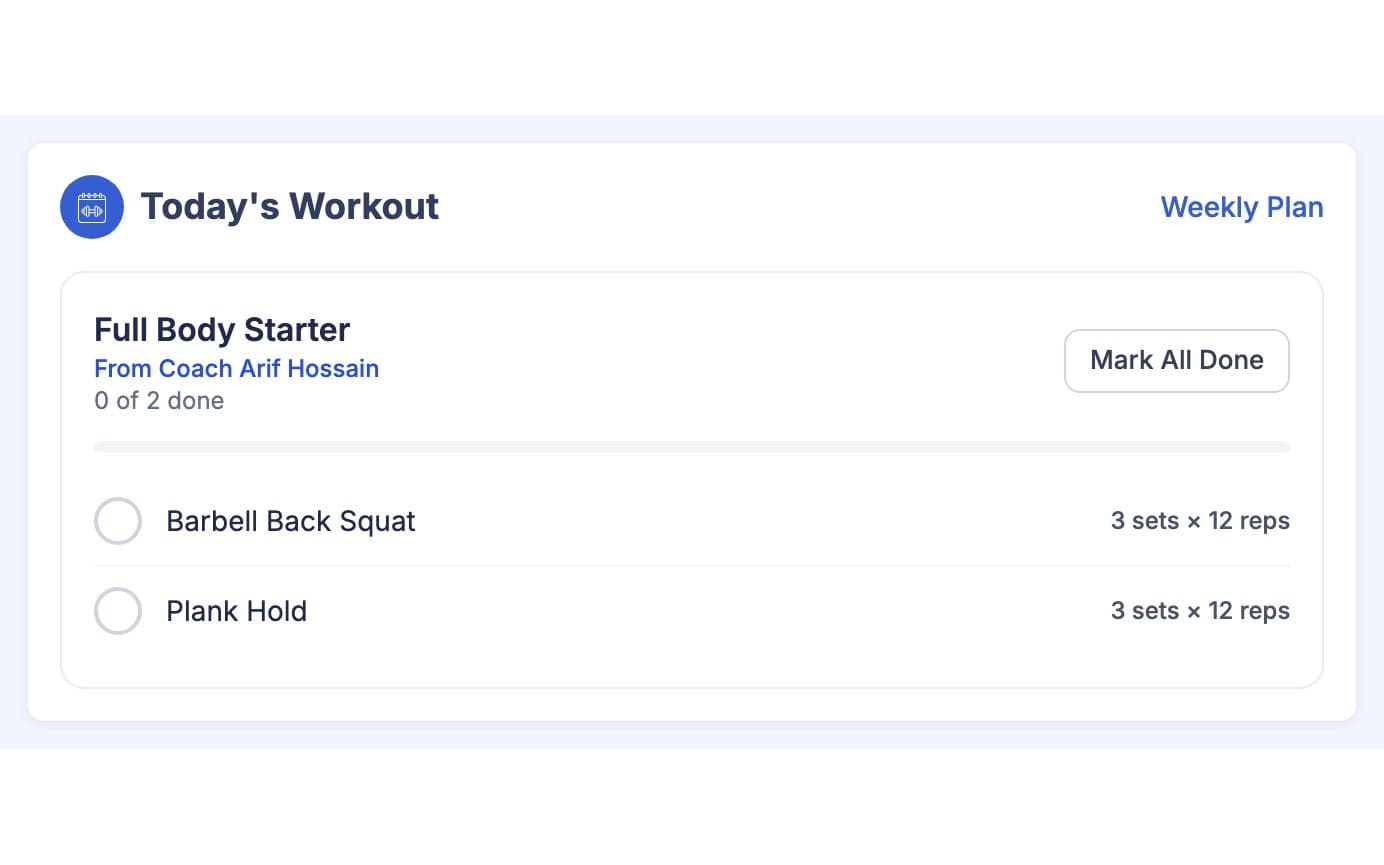
Open the member's profile, go to the Training tab (Program for personal trainers) and add the workout on the weekdays they should train. Days without a workout show as rest days. The member sees today's workout on their home screen, ticks exercises or presses Mark All Done, and the finished day goes into their history.
Made for How You Work
Your team builds from one shared exercise list, so a squat means the same thing in every member's plan.
Members check today's workout before they train, which also puts your notices and payments in front of them.
Finished days stay on the member's profile, so a new trainer can see what the member has already done.
What You Get With Workout Plans
Pick exercises from your library, set rounds, reps or time for each, and save them as a workout with a type and level. Then open the client's profile and add the workout on the weekdays they train. The client sees it on their phone the same day, and you can change the days or swap the workout later.
Yes. A saved workout works as a template. Assign the same workout to as many members or clients as you like, each on their own weekdays. If one person needs something different, save a second workout with the changes rather than editing the shared one, so other members keep their plan.
Yes. Each exercise the member ticks is saved with the date, so you can see which exercises were finished and which days were missed. The member's home screen also shows the workout days finished this week against the days in their plan, which keeps both of you honest about how the week is going.
No. A member who trains at a gym and also with a personal trainer has separate profiles. The gym's plans stay in the gym profile and the trainer's plans stay in the trainer profile, so neither side sees or changes the other's workouts.
Not at the moment. Workout plans live in the GymCity app, where members see today's workout and tick it off, rather than as a printable file. Members can open it on any phone or computer with a browser, so there is no file to send, print or lose.
Works Even Better Together
Last updated 15 October 2026Written by Sarwar HossainScreens show demo data only
Try Workout Plans With Your Gym or Clients
List your gym or training business free today and turn on the tools you need when you are ready.